Presentations
An active (i.e. started) competition is for simplicity’s sake called a presentation. There are many different views during a presentation. Below it is described how to start a competition, how to join a presentation, and how the different kinds of views work.
Competition codes
You can join a presentation with codes. This can either be done by pasting the link that can be copied when listing the codes or can be typed by hand in the login page. All the views have different purposes and therefore looks a little bit different from one another.
Operator
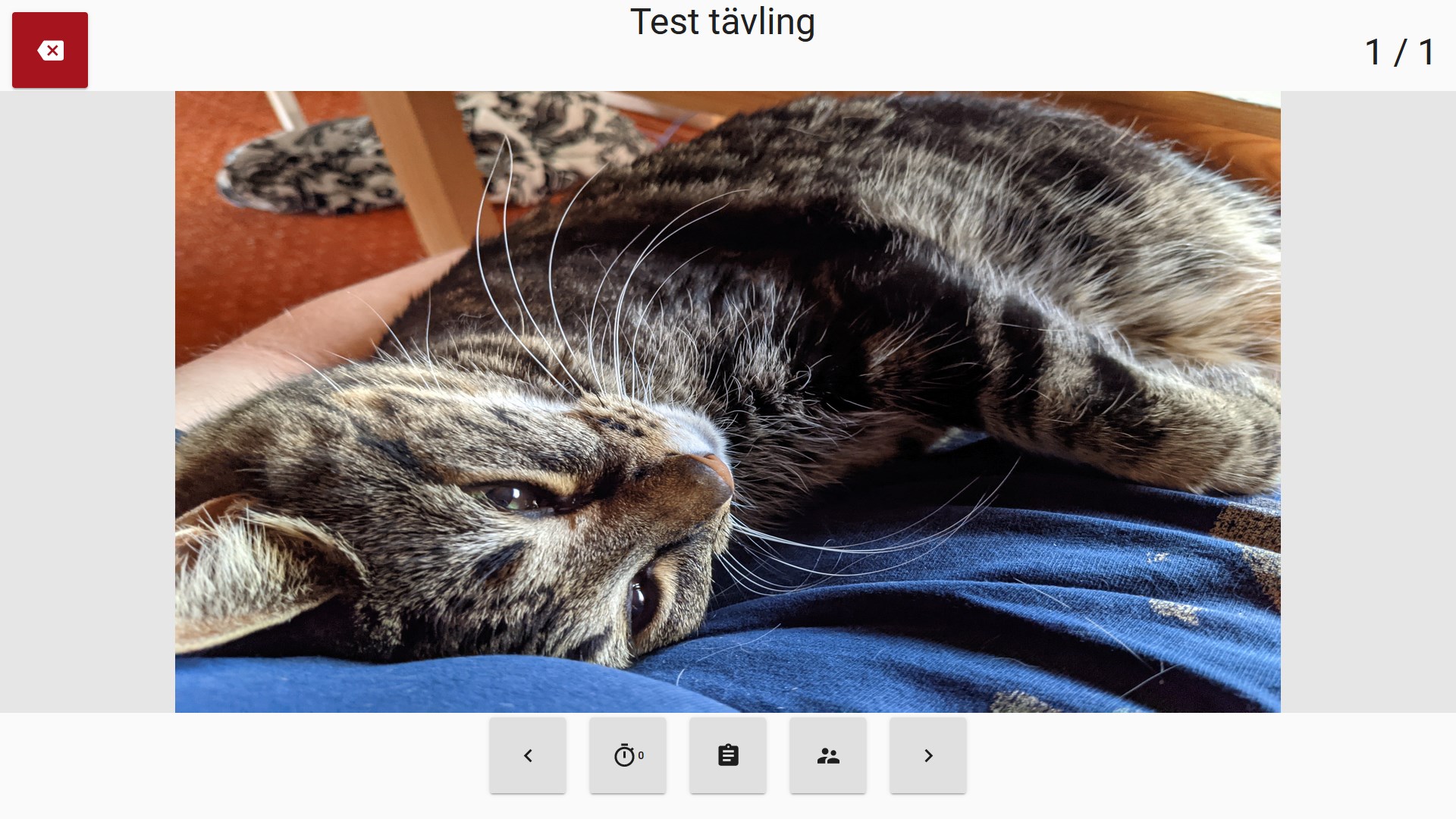
There are two ways to start a competition. The first way is to navigate to the competition manager, press the three dots “…” and press “Starta”. You will then enter the operator view. From there you will be able to go between slides with the “<” and “>” buttons and start the timer, both will be synced between all clients connected to that presentation. You will also be able to view all codes to the competition. You can also show the current score for all teams to the audience.
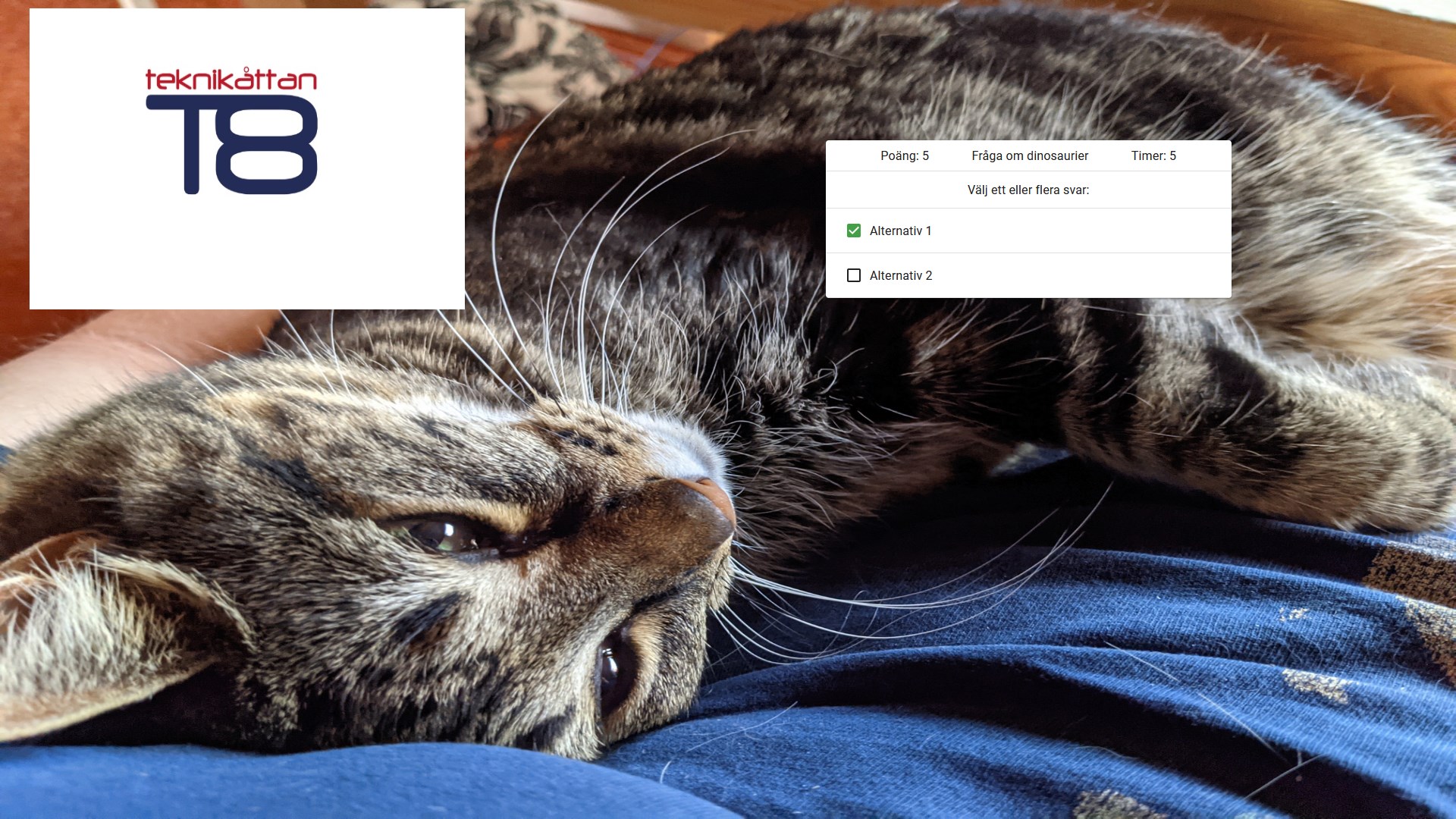
Team
The team view will be used by teams. It shows the current slide (that the operator has decided) and allows the user to answer questions on the slide, which will be saved.

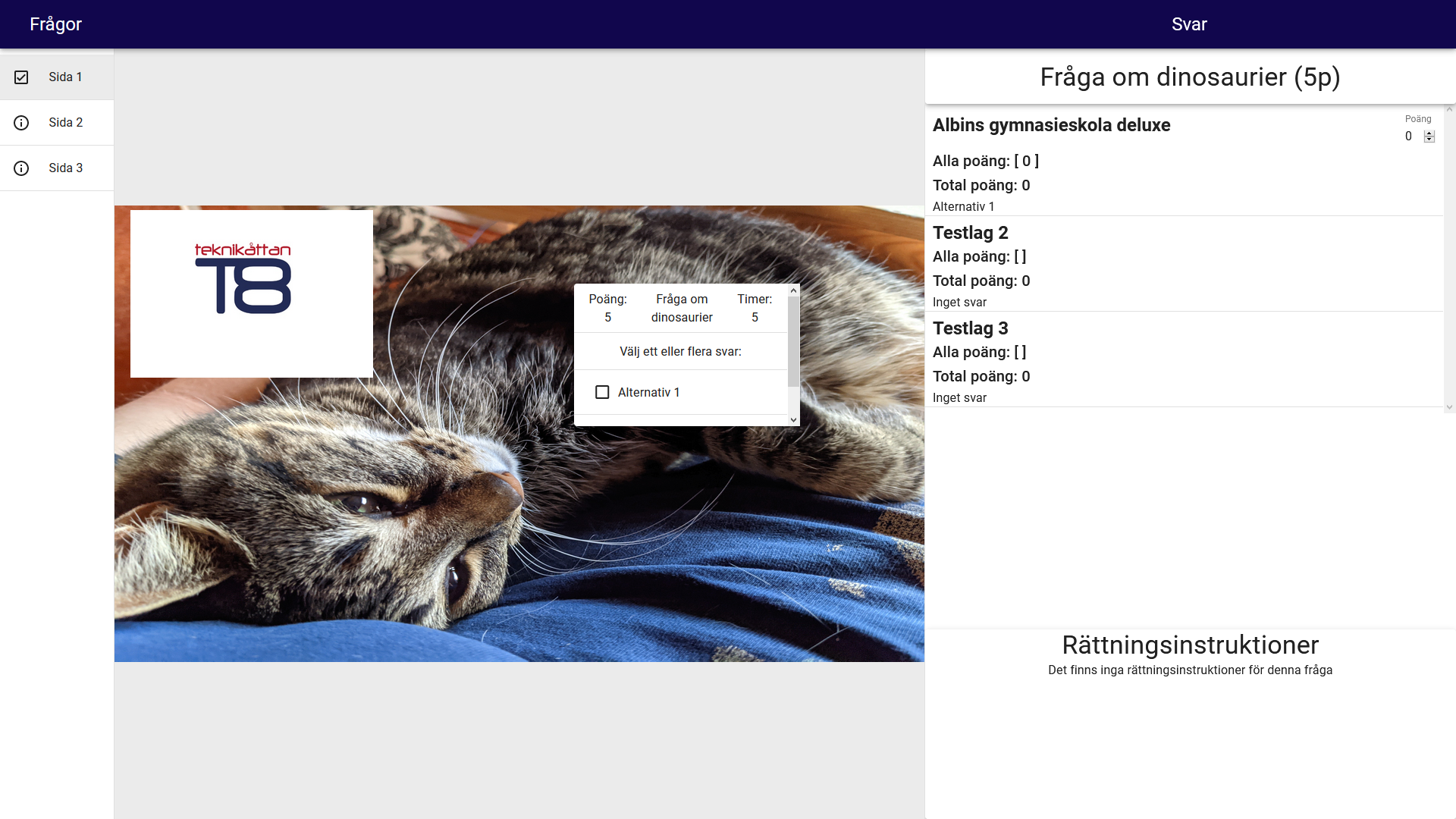
Judge
The judge view will show show the same slide as team view. To the left you will be able to move between different slides without affecting the other clients and will be shown on which slide the operator currently is. To the right you will see what the teams have answered on every question, what score each team got on each question, their total score and be able to set the score of a team on any and all questions. In the bottom right you will see instructions for how to grade the current question.